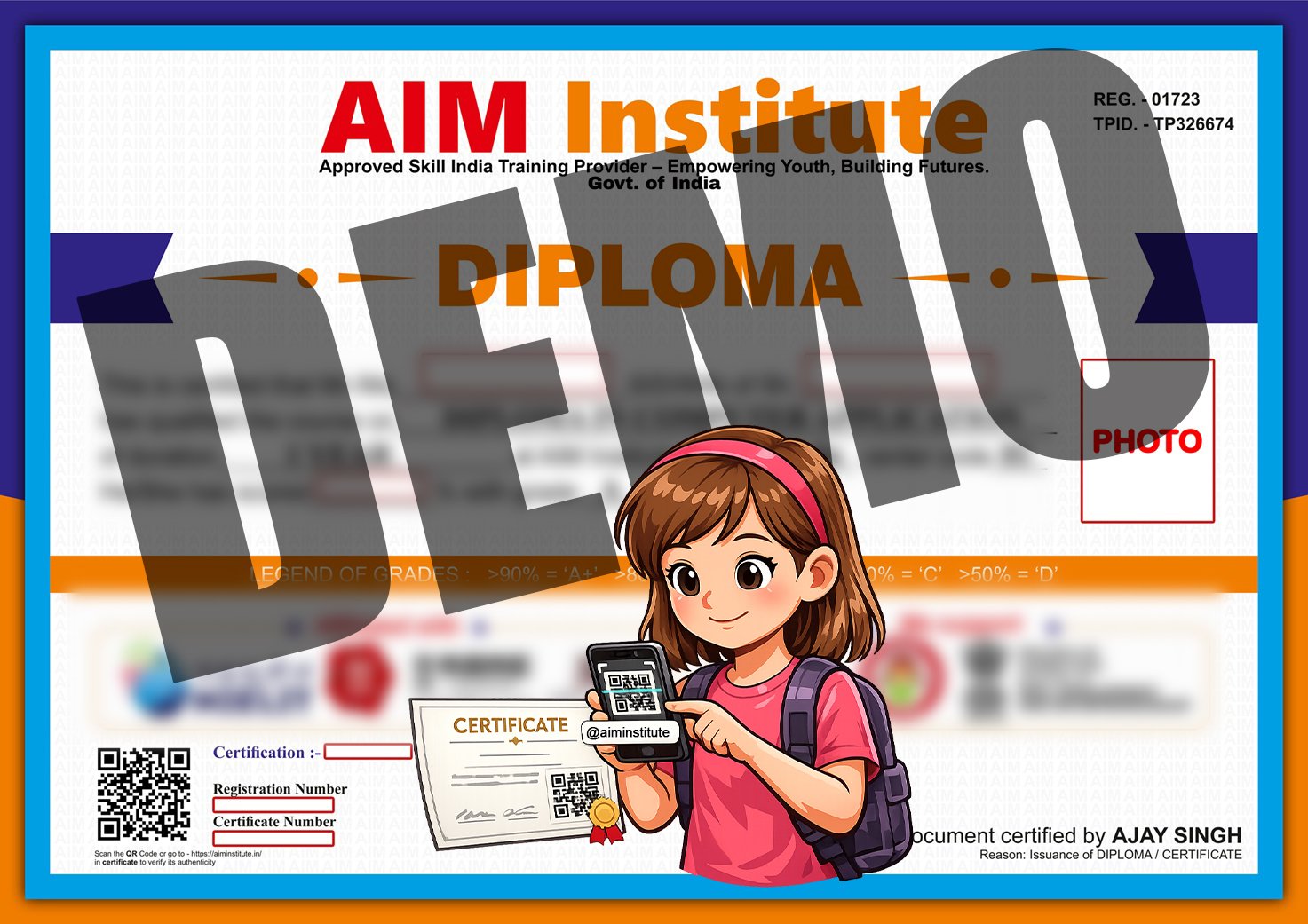
Find Your Registration Number
Locate the unique Registration Number printed on your AIM Institute certificate. This number is required to search for your certificate in the verification system.
400/28/##/###
Visit the AIM Institute certificate verification portal.
Type your registration or certificate number carefully.
Press the verify button to check certificate details.
Your certificate information will appear instantly.
Follow these simple guidelines to verify your certificate correctly and understand your verification result.
Locate the unique Registration Number printed on your AIM Institute certificate. This number is required to search for your certificate in the verification system.
400/28/##/###
Enter the Registration Number exactly as it appears on your certificate. Check every letter, number, slash and special character before submitting.
Avoid adding unnecessary spaces before or after your Registration Number.
After submitting your Registration Number, the system will display the available certificate information and verification status.
Do not immediately assume that your certificate is invalid. First, check that the Registration Number has been entered correctly.
If the problem continues, contact AIM Institute administration with your certificate details for further assistance.